Post Name :
Post Updated :
Post Details :
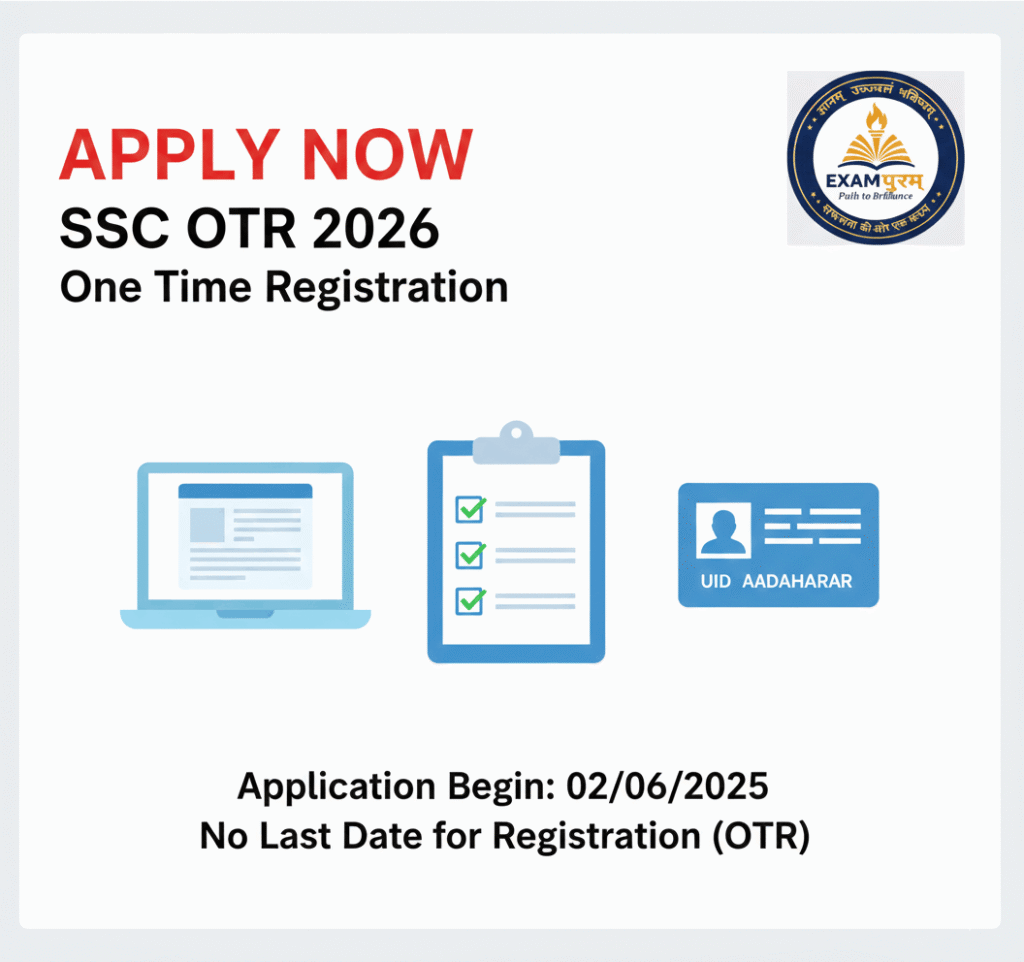
SSC One Time Registration (OTR) Online Form 2026 – Aadhaar Enabled
Staff Selection Commission (SSC) has launched a new official website: ssc.gov.in. All candidates are now required to complete a fresh One Time Registration (OTR) on this new portal.
Going forward, applications for all SSC recruitments will be submitted through this OTR system. Candidates who had previously registered on the old SSC website must register again on the new website to apply for upcoming exams.
Staff Selection Commission (SSC)
SSC One Time Registration OTR Registration 2026
SSC OTR 2026 | Short Details
IMPORTANT DATES
- Aadhar Enable OTR Application Begin : 02/06/2025
- Last Date for Registration : NA
APPLICATION FEES
- General / OBC / EWS : 0/-
- SC / ST : 0/-
- No Application Fees
SSC One Time Registration (OTR) 2025 – Eligibility & Documents
Eligibility
- Nationality: Indian Citizen (some exams allow specific foreign nationals).
- Age Limit: As per the specific SSC exam notification.
- Educational Qualification: Minimum 10th pass; higher qualifications (12th, Graduation, etc.) as required for the exam.
- Other Criteria: Must have a valid mobile number and email ID for OTP verification.
Documents Required
Identity Proof:
- Aadhaar Card (mandatory/recommended)
- If Aadhaar is not available: PAN, Voter ID, Passport, Driving License
Educational Certificates:
- 10th Class Certificate / Marksheet (for DOB and name verification)
- Higher Qualification Certificates (12th / Graduation / Other, as applicable)
- Photograph & Signature:
- Recent passport-size photograph
- Scanned signature
Contact Details:
- Active mobile number
- Active email ID
- All documents should match the details you provide in OTR to avoid rejection during verification.
Popular SSC Exams / Vacancies
- SSC Combined Graduate Level (CGL) Exam – For various Group B & C posts in Ministries and Departments.
- SSC Multi Tasking Staff (MTS) Exam – For non-technical Group C posts.
- SSC Selection Post Exam – For different posts in Ministries/Departments based on local recruitment rules.
- SSC Constable GD Recruitment Exam – General Duty constables in CAPFs and other forces.
- SSC Delhi Police Constable Recruitment Exam – For Delhi Police constable posts.
- SSC Delhi Police Sub-Inspector (SI) Exam – For Sub-Inspector posts in Delhi Police.
- SSC CPO SI Recruitment Exam – For Sub-Inspectors in Central Police Organizations.
- SSC CHSL (10+2) Recruitment Exam – For Lower Division Clerks (LDC), Postal Assistants, Data Entry Operators.
- SSC Stenographer Exam – For Stenographer Grade C & D posts.
- SSC Junior Engineer (JE) Exam – For Civil, Electrical, Mechanical, and Quantity Surveying posts.
- SSC Junior Hindi Translator (JHT) Exam – For translators and related posts in Central Government offices.
- SSC Scientific Assistant / Technical Assistant Exams – For technical posts in various government labs.
- SSC Inspector of Income Tax / Central Excise / Preventive Officer Exams – For specialized administrative roles.
- SSC CGL Tier-II / Tier-III / Combined Exams for Specialized Posts – Various higher-level examinations
How to Apply SSC One Time Registration (OTR) Online Form 2025
Staff Selection Commission (SSC) has launched a new official website ssc.gov.in. All candidates are required to complete a fresh One Time Registration (OTR) on this portal. Previous registrations on the old SSC website are no longer valid.
Once registered, candidates can use the OTR profile to apply for all future SSC exams like CGL, CHSL, MTS, GD, JE, JHT, SI, and others.
Step-by-Step Process for SSC OTR 2025
Step 1: Open the Official Website
Visit ssc.gov.in.
You can also use a direct OTR link from the “Useful Important Links” section of SSC portals or trusted notifications.
Step 2: Click on New Registration
On the homepage, click the “New Registration” tab to start your OTR profile creation.
Step 3: Fill Basic Details
Enter the following details carefully:
Full Name (as per 10th certificate)
Father’s Name
Mother’s Name
Mobile Number (active)
Email ID (active)
Class 10 Roll Number, Board Name, and Year of Passing
Ensure these details match your certificates exactly. Any mismatch can lead to registration rejection or linking issues later.
Step 4: Verify and Submit Registration
Double-check all the entered details before submitting the form.
Step 5: OTP Verification
You will receive an OTP on your registered mobile number and email.
Enter the OTP to verify your account and complete Part I of registration.
Step 6: OTR Registration Number
After successful verification, your OTR Registration Number will be displayed on the screen.
Keep a note of this number for future logins.
Step 7: Change Default Password
A default password will be sent to your registered email.
Log in using your OTR Registration Number and default password.
Immediately change the password to a custom one:
Minimum 8 characters
Include uppercase, lowercase, numbers, and special characters
Step 8: Set Security Questions
Select two security questions for future password recovery.
Step 9: Enter Additional Details
Log in again using your OTR Number and new password.
Fill in:
Nationality
Category (General, OBC, SC, ST, etc.)
Visible Identification Mark
Permanent and Correspondence Address
Step 10: Upload Documents
Upload the required documents:
Recent passport-size photograph
Signature
Identity proof (Aadhaar recommended; PAN/Voter ID/Passport if Aadhaar unavailable)
Educational certificates (10th and highest qualification)
Make sure scanned images meet size and format specifications.
Step 11: Preview and Submit
Click the Preview button to check all entered information.
Correct any errors before final submission.
Tick the declaration checkbox and click Submit to complete your OTR registration.
Step 12: OTR Dashboard
Once registration is complete, you can log in to your SSC dashboard anytime to:
Apply for upcoming exams
Check admit cards
View results
Update profile information if required (limited edits allowed)
Step 13: Video Guide (Optional)
SSC or educational portals may provide a step-by-step video tutorial for OTR registration.
Watching the video helps ensure all steps are completed correctly.
Important Notes
Lifetime Validity: OTR registration is valid for all SSC exams; you only need to register once.
Accurate Details: Name, DOB, and father’s name must match certificates exactly.
Mobile & Email: Must remain active to receive OTPs and notifications.
Document Mismatch: Any discrepancy may lead to rejection during application verification.
Deadline Compliance: Complete registration promptly; incomplete registrations may be deleted automatically after 14 days.
यदि Examपुरम् आपको उपयोगी लगे, तो कृपया इसे दूसरों के साथ साझा करें। धन्यवाद!
IMPORTANT LINKS
Apply Online (OTR)
SSC OTR Notification
Official Website
यदि Examपुरम् आपको उपयोगी लगे, तो कृपया इसे दूसरों के साथ साझा करें। धन्यवाद!
SSC OTR 2025 – Frequently Asked Questions (FAQ)
OTR (One Time Registration) is a unified online profile on the SSC portal that allows candidates to apply for all future SSC exams with a single registration.
Yes. All candidates must complete a fresh OTR on the new SSC website ssc.gov.in. Old registrations on ssc.nic.in are invalid.
Indian citizens meeting the minimum educational requirements for SSC exams (usually 10th pass or higher depending on the exam) and having a valid mobile number and email.
Identity Proof: Aadhaar (recommended/mandatory), PAN, Voter ID, Passport
Educational Certificates: 10th certificate and highest qualification
Photograph & Signature: Recent passport-size photo and scanned signature
Contact Details: Active mobile number and email ID.
Steps include:
Visit ssc.gov.in → Click New Registration
Fill personal and educational details
Verify via OTP sent to mobile/email
Change default password and set security questions
Fill additional details, upload documents, preview, and submit
It is a unique ID generated after Part I of registration. Candidates must note it for future logins.
Minor edits are allowed during the registration period. Name, DOB, and father’s name must match certificates exactly. Some details may not be editable after submission.
Once completed, OTR is valid for all future SSC exams. You do not need to register again.
You can log in to your OTR dashboard to view notifications, apply for exams, download admit cards, and check results.
Use the security questions set during registration to recover your password. Alternatively, OTP verification may be used.
Thank you for visiting ExamPuram.com, your trusted source for the latest updates on government jobs, recruitment notifications, admissions, results, admit cards, answer keys, and other important exam-related information. Our goal is to provide accurate and timely updates so that candidates can easily access all essential details in one place.
To make your experience even better, Examपुरम् also offers a mobile-friendly platform so you can stay updated anytime, anywhere. You can also connect with us through our official social media channels including Twitter (X), Facebook, Instagram, Threads, Telegram, WhatsApp, and YouTube for instant updates and notifications.
© Copyright 2026–2027
All Rights Reserved by Exampuram.com
For advertising or business inquiries, please contact us at: exampuram@gmail.com
Disclaimer
Examination results, marks, notifications, and other information published on ExamPuram.com are provided solely for the immediate reference of candidates. While we make every effort to ensure that the information available on this website is accurate and up to date, we do not guarantee its absolute completeness or correctness.
ExamPuram.com is not responsible for any inadvertent errors, omissions, or inaccuracies that may occur in the published content. Visitors are advised to verify details through the official website or official notification of the respective authority before making any decisions. We shall not be held liable for any loss or inconvenience caused due to reliance on the information provided on this website.